

Post the date.
Add your event, venue and the details guests need before they come.
Post your community gathering, offer tickets on Business and check guests in. Keep a way to invite people to your next date.
No card. A Space comes with Crew, and you pay when you start charging.0% on your own audience, plus card processing.
Tickets are in one place and the guest list is somewhere else. Keep the event details, check-in and contacts together before you announce the next date.
Tap a tool to read what you can do with it.
Add your event, venue and the details guests need before they come.
Offer free RSVPs on your Space, or choose Business to sell tickets.
Use your QR code and guest list at the door, then keep a way to share the next event.
Start with the next event.
Set your date and capacity. Free RSVPs are available on your Space; Business adds paid tickets.
Keep the people who checked in in Contacts. Use the list when you want to invite guests to another event.
Invite guests to scan your QR code when they arrive. Use your guest list to check people in and handle walk-ins.
Send an update to people who have gathered with you before. Include the date and a link to the next event.
Post the date on the local calendar.
Invite people to check in with your door QR. Check-ins appear in Contacts.
See who’s new and who checked in before.
Plain emails from your name, to your list.
A standing time, a real place, the same faces.
The next invitation starts with a way to reach past guests.
Post the event, check guests in, then share your next date with people who came before.
Gather like it matters.
People join free, hosting is free with Crew, and you pay when you start charging. A free Space includes hosting tools within its allowances and tips with no platform fee, plus card processing. Selling starts at Business. When your events start selling tickets, that is Business. Paid Space plans and introduction fees are separate.
No network fee on the tickets you sell yourself, ever, only card processing. Introduction fees apply to eligible purchases the network introduces. Your plan subscription and card processing are separate.
Your plan subscription is separate from card processing and introduction fees. Introduction fees apply to eligible purchases the network introduces. Review your plan and transaction fees before you confirm. You can export your contacts.
Want to see everything it does? See every feature.
No. Start with your name and a gathering. Add the rest when you’re ready.
A Space comes with Crew, which you fund at whatever amount you choose. Until the beta ends, anyone can open one free. You pay for Business when you start charging: Business is $49 a month, or two months free if you pay for the year, and it opens paid tickets, memberships, bookings, donations and your shop. Frequency takes 5% on a customer the network introduces, once, and 0% on the people already yours. There's no network fee on the tickets you sell, only card processing. A free Space runs your page, contacts, bookings and events, and takes tips with no platform fee, plus card processing. You always see the full number, nothing hidden.
Frequency opens in North County San Diego on December 1, 2026. You can open your Space before then, free, and it is ready when the town opens.
Yes, any time. Export your whole list whenever you want.
No. They buy and check in from a link and a QR code.
It grows with you. The same Space handles memberships and recurring classes when you’re ready.
Yes. Your contacts are yours, held securely, never sold.
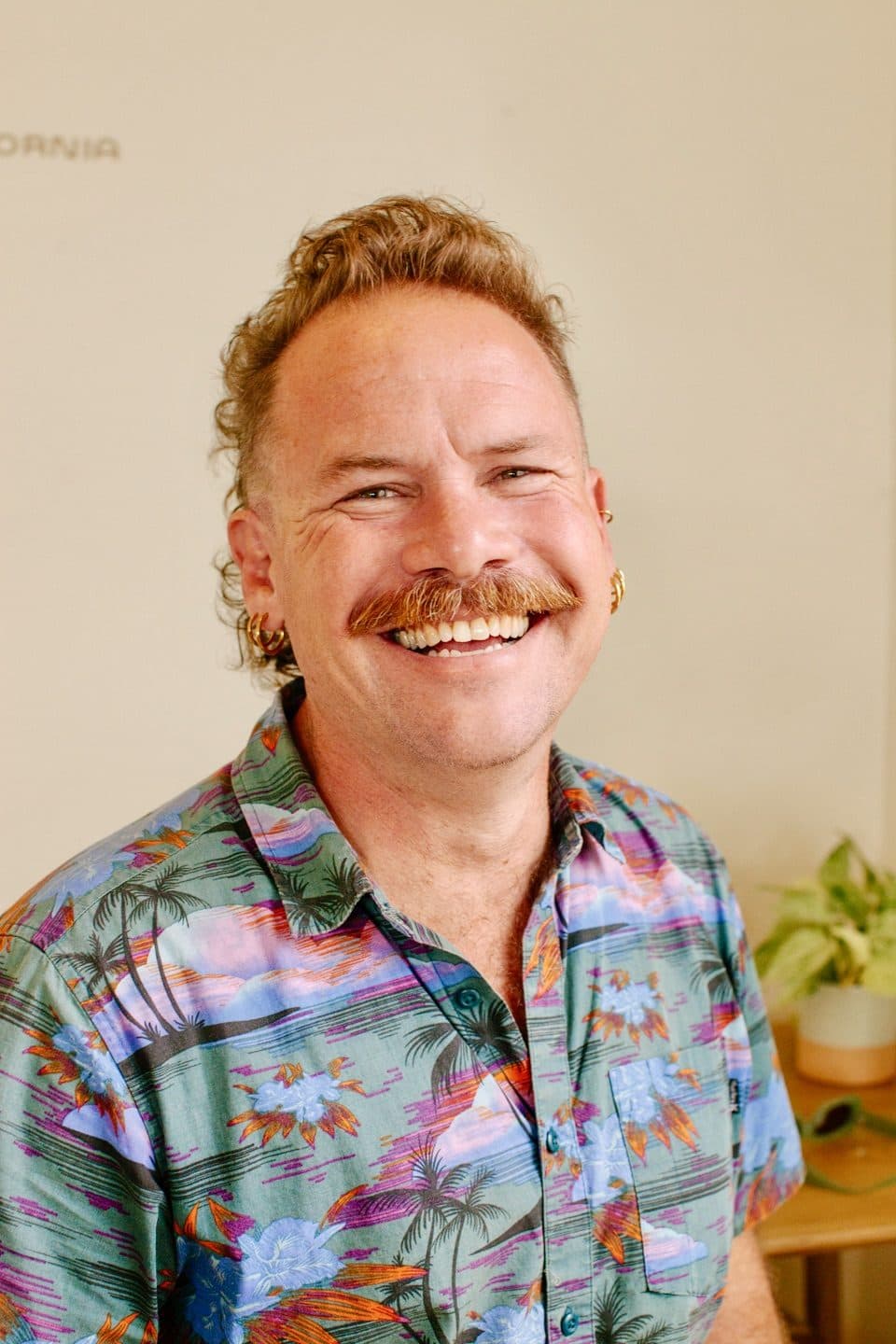
Daniel TyackFounder, FrequencyBuilt by someone who needed it.
Frequency started in a healing practice, from the same pile of tabs and lost follow-ups. It's a place for community builders to share a class, welcome people at a gathering and keep in touch afterward. Start with the people you meet and the work you want to do together.
Add the date, offer free RSVPs, or sell tickets on Business, and tell guests what to expect.
Launch news for North County San Diego, and short notes on getting set up.
